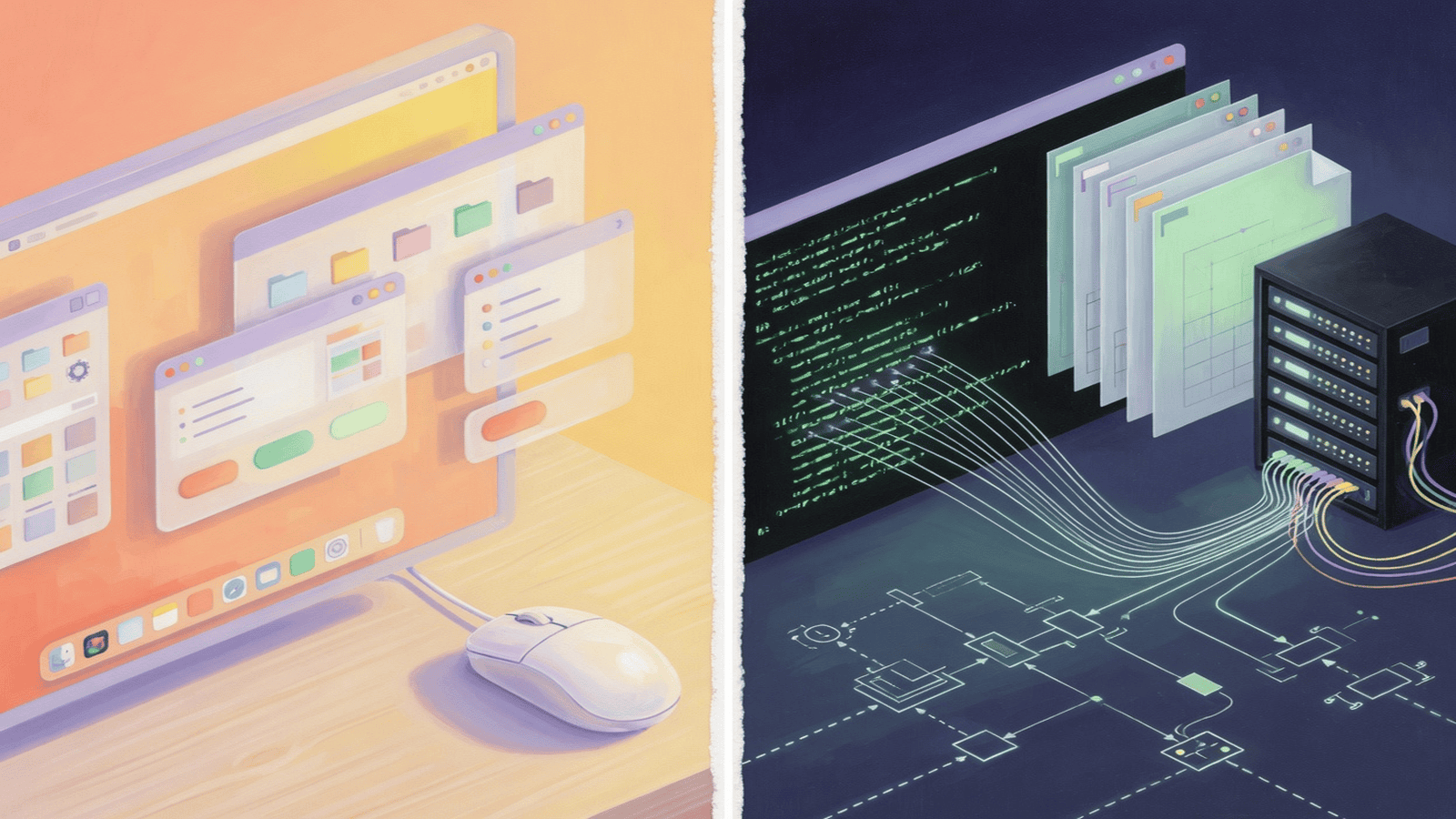
Most people did not enter computing through a single door. Depending on when and where they arrived, there was a console, a command line, a graphical desktop, or several of these at once, layered on top of each other like geological strata. For the ordinary user, the graphical interface was an act of hospitality: it made the machine legible without requiring a vocabulary of commands, paths, flags, and permissions. You pointed, you clicked, the machine answered in pictures.
The trouble begins when the interface built to welcome newcomers becomes the only language available to the people responsible for making systems work. Technicians, administrators, and developers sometimes grew so accustomed to the immediacy of the GUI that they stopped practicing the older disciplines — the shell, the configuration file, the small program chained to another. The loss was not nostalgia for a black screen with green text. It was the loss of a particular kind of agency: the ability to turn an action into something that outlives the moment it was performed.
I. The Button as Hospitality
The GUI deserves a more generous account than the technician’s familiar complaint that it makes people dependent. Menus, icons, and visual feedback translate a machine’s internal structure into actions that can be discovered without prior instruction. Ivan Sutherland’s Sketchpad, built in 1963 on MIT’s TX-2, is usually credited as the first real demonstration that a person could manipulate a computer directly, with a light pen, rather than through a stack of punch cards submitted and returned hours later. The idea that computing could be a conversation rather than a petition is barely sixty years old, and it was radical.
Douglas Engelbart pushed the same intuition further, and with more ambition, in his 1962 report Augmenting Human Intellect: A Conceptual Framework. Engelbart did not want computers to replace human reasoning; he wanted them to extend it, the way a lever extends a hand. The mouse, hypertext, and the windowed screen he demonstrated at the famous 1968 “Mother of All Demos” were not conveniences. They were a wager that better interfaces produce better thinking. Alan Kay and Adele Goldberg carried that wager to Xerox PARC and, in their 1977 paper Personal Dynamic Media, sketched the Dynabook — a personal computer meant for a child, requiring no priesthood of specialists to operate. That lineage is not a footnote to the command line’s story. It is a parallel argument about agency, made in the opposite direction: agency through simplicity rather than agency through exposure.
A person editing a photograph, composing music, or managing a household budget does not owe the machine a command-line education. Abstraction is one of engineering’s great achievements — the user should not have to carry the entire implementation in their head merely to use it. But abstraction has a price when the task shifts from consumption to stewardship. The layer that protects a user from complexity can also conceal the objects, dependencies, and order of operations that a technician needs to control.
II. The Command as a Small Program
The command line is often described as unfriendly because it demands precision. Its deeper virtue is that it turns an action into an artifact. A command typed today can become a shell script tomorrow, a scheduled job next week, and a documented step in a deployment pipeline later. Pipes and redirection let small, single-purpose tools cooperate without asking any one of them to anticipate every future use — the design ethic Eric Raymond catalogued in The Art of UNIX Programming: write programs that do one thing well, and that work together, because text streams are a universal interface no vendor can revoke.
This is why the shell stays disproportionately useful beside modern automation languages and infrastructure-as-code systems. JSON, YAML, and TOML make state describable. Bash, Zsh, and PowerShell make transformations repeatable. A configuration file can be reviewed before it is applied; a script can be diffed against its previous version; an environment can be reconstructed from a definition instead of reassembled from memory. None of this is really about text versus pictures. It is ephemeral gesture versus inspectable procedure. A graphical tool can export a script or expose an API; a command-line tool can be opaque and badly designed. The real question is whether the system lets its own operators understand and reproduce what it just did.
III. When Ease Becomes Dependence
The technician who works only through a GUI can remain highly competent inside that interface and still become strangely helpless the moment it changes, disappears, or has to scale past what a mouse can reach. A button labeled “synchronize” does not disclose which files were compared, which conflicts were silently resolved, where the credentials live, or how to perform the same operation on a server with no screen attached to it.
This dependence shows up most starkly in infrastructure, where the audience for an interface was never really the public. Production systems must be rebuilt after failure, at short notice, by whoever is on call. A team needs to know not only that a service is running, but why it is running, from which definition, with which versions and permissions. The click-path stored in one administrator’s memory is not an operational record. A script checked into version control is. There is a political dimension here too, one the seed for this piece flagged as worth naming directly: the person who alone knows which buttons to press holds an authority that cannot be audited or handed off. A command, a configuration file, a declarative definition — these can be read by someone else before they take effect, which means they can be disagreed with before it’s too late. Hidden procedure forecloses that conversation by default; a legible one invites it.
IV. Backwards, or Forward?
The command line can look like a regression, a return to a sparse and demanding interface after decades spent making computers friendlier. In practice it more often represents a move from performing actions to describing them — from doing a thing once, correctly, to writing down what “correctly” means so that it can be done again without you. The GUI is excellent at helping someone act in the present, with full context and immediate feedback. The shell, joined to scripts and configuration, is excellent at expressing what should happen across time, across machines, and after the person who wrote it has moved on.
The mature position is not to enlist in either camp. Keep the GUI for discovery, visual work, and humane access — it is not a lesser form of computing, only a different relationship to the machine. Keep the command line close for anything that must be understood, repeated, automated, reviewed, or recovered under pressure. The superpower was never the black screen itself. It was the habit of turning what you did into something someone else — or you, six months later, at three in the morning — could read, trust, and run again.
Further reading
- Ivan Sutherland — Sketchpad
- Douglas Engelbart — Augmenting Human Intellect: A Conceptual Framework
- Alan Kay and Adele Goldberg — Personal Dynamic Media
- Eric S. Raymond — The Art of UNIX Programming